New • Free screen recorder & screenshot tool for Windows
Screenshot, Screen Record, Short URL & Share – all from one Windows app.
ATCapture is a free screen capture tool for Windows that combines screenshots, screen recording, short URL generation, QR code creation and QR code scanning in a single lightweight app.
📸 Screenshot
Capture any region, window or full screen in one shortcut.
🎥 Screen Recording
Record screen with mic audio for demos and bug reports.
🔗 Short URL
Turn long capture links into clean, sharable URLs.
📦 QR Tools
Create & scan QR codes to move content across devices.
Short links + QR codes make your captures instantly shareable anywhere.
What ATCapture supports
A single Windows app for everything you do with your screen: capture, explain, share and bridge content between desktop and mobile.
Screenshot capture
Capture full screen, window or region with keyboard shortcuts. Annotate and share in seconds.
Learn more →Screen recording
Record your screen with microphone audio for tutorials, walkthroughs and bug demos.
Learn more →Short URL generation
Automatically turn long capture URLs into short links that look clean in chat, tickets and email.
Learn more →Create QR codes
Turn URLs or text into scannable QR codes – perfect for live sessions, handouts and device-to-device sharing.
Learn more →Scan QR codes
Point your camera or input at a QR and instantly extract the underlying text or URL on desktop.
Learn more →Live previews
Preview screenshot and recording flows so you know exactly how ATCapture behaves before installing.
View previews →Screen recording
Record your screen, share in seconds
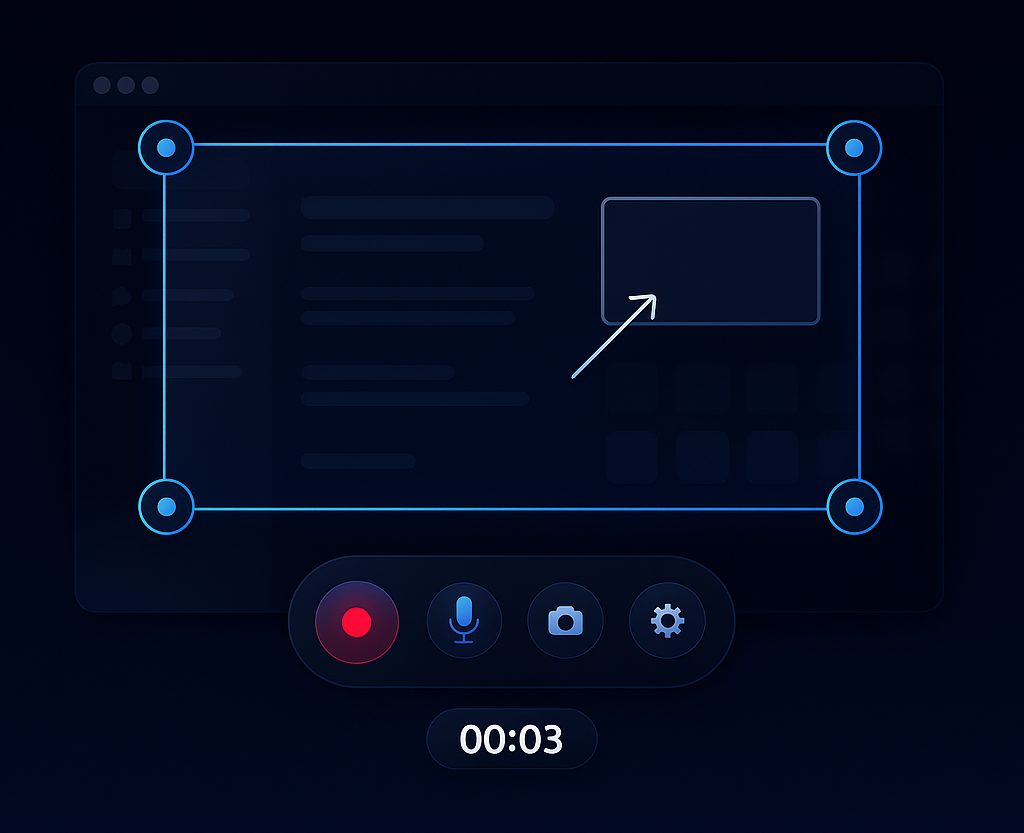
Capture short, focused videos with microphone audio. Perfect for bug reports, walkthroughs, status updates and mini tutorials.
- Choose full screen, app window or custom region.
- Record with mic narration so context is never lost.
- Generate a short URL or QR code when you’re done.
Screenshot
Pixel-perfect screenshots with instant context
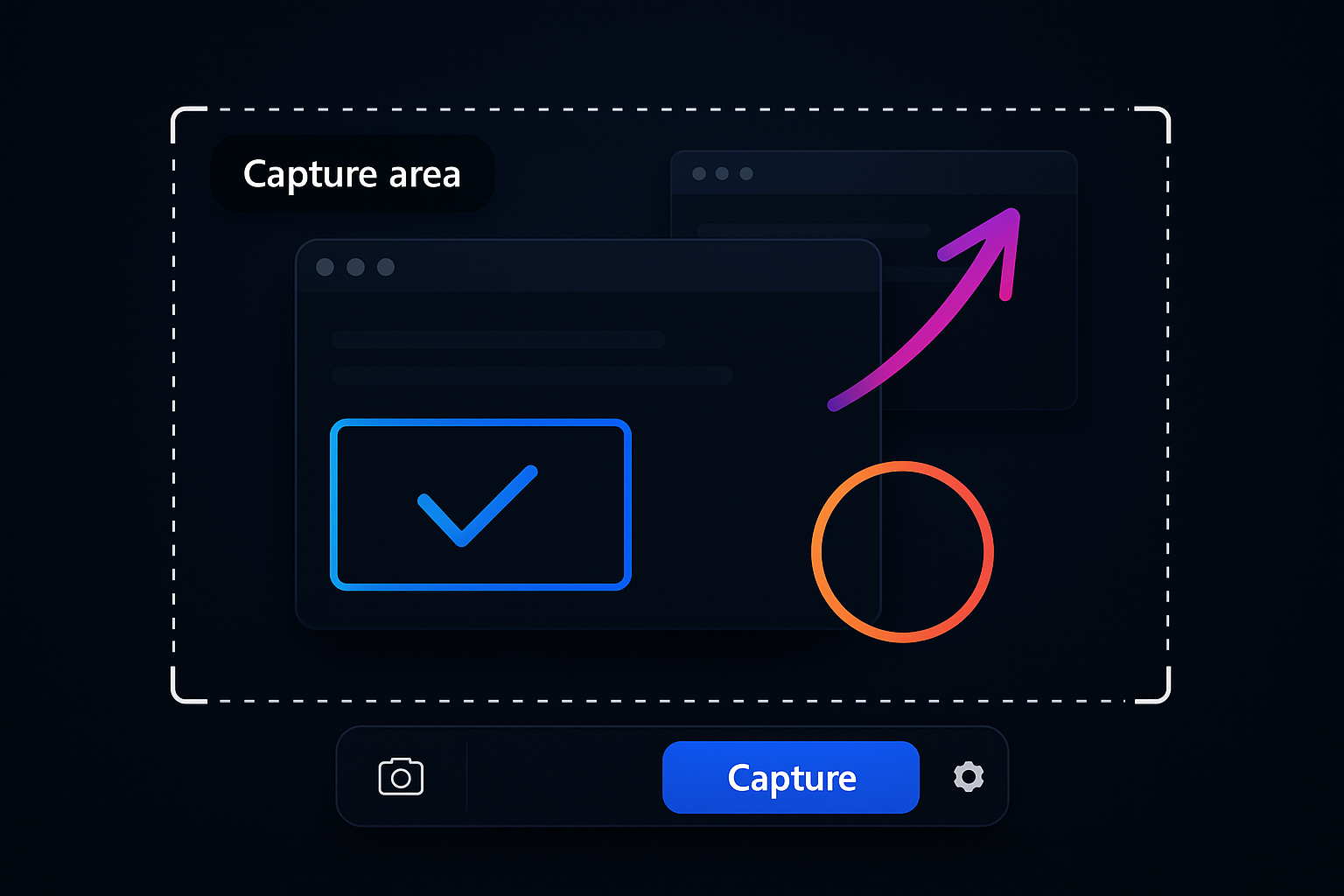
Stop pasting naked screenshots with no explanation. ATCapture gives you quick annotation tools so every image tells a story.
- Region, window and full-screen capture.
- Basic annotations for free – boxes, arrows and text.
- Copy to clipboard, save as image, or share with a link.
Short URL generation
Convert long URLs into short links, quickly shareable
No more ugly, 3-line URLs in chats and tickets. ATCapture compresses long capture URLs into neat, memorable short links.
- One-click “Shorten” after every capture.
- Perfect for Jira, GitHub, Slack, Teams & email.
- Use the same link in docs, slides and CRM.
Short URLs work best together with screenshots and screen recordings created in ATCapture.
Explore short URL features →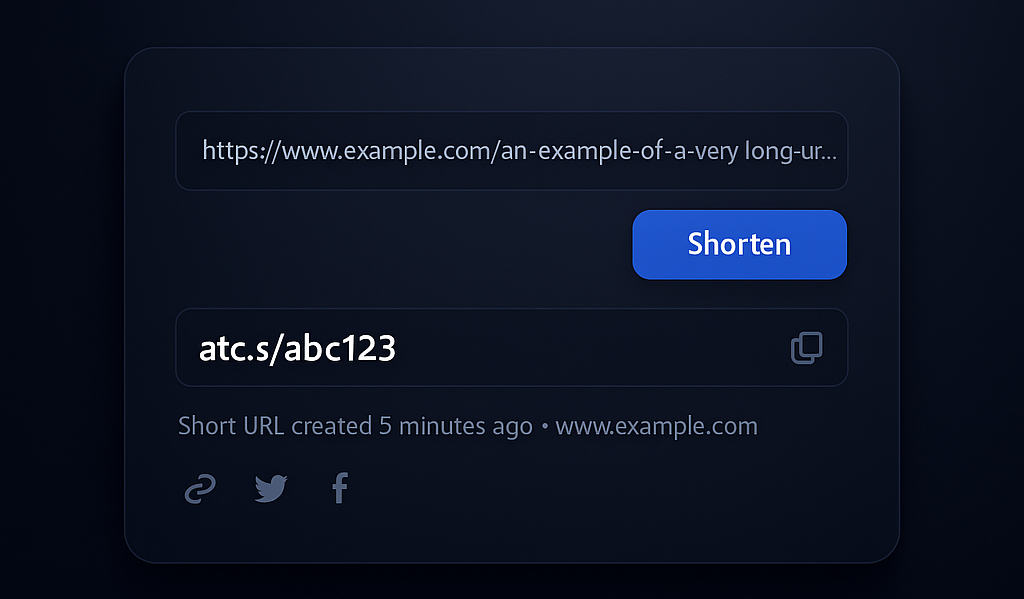
QR code generation
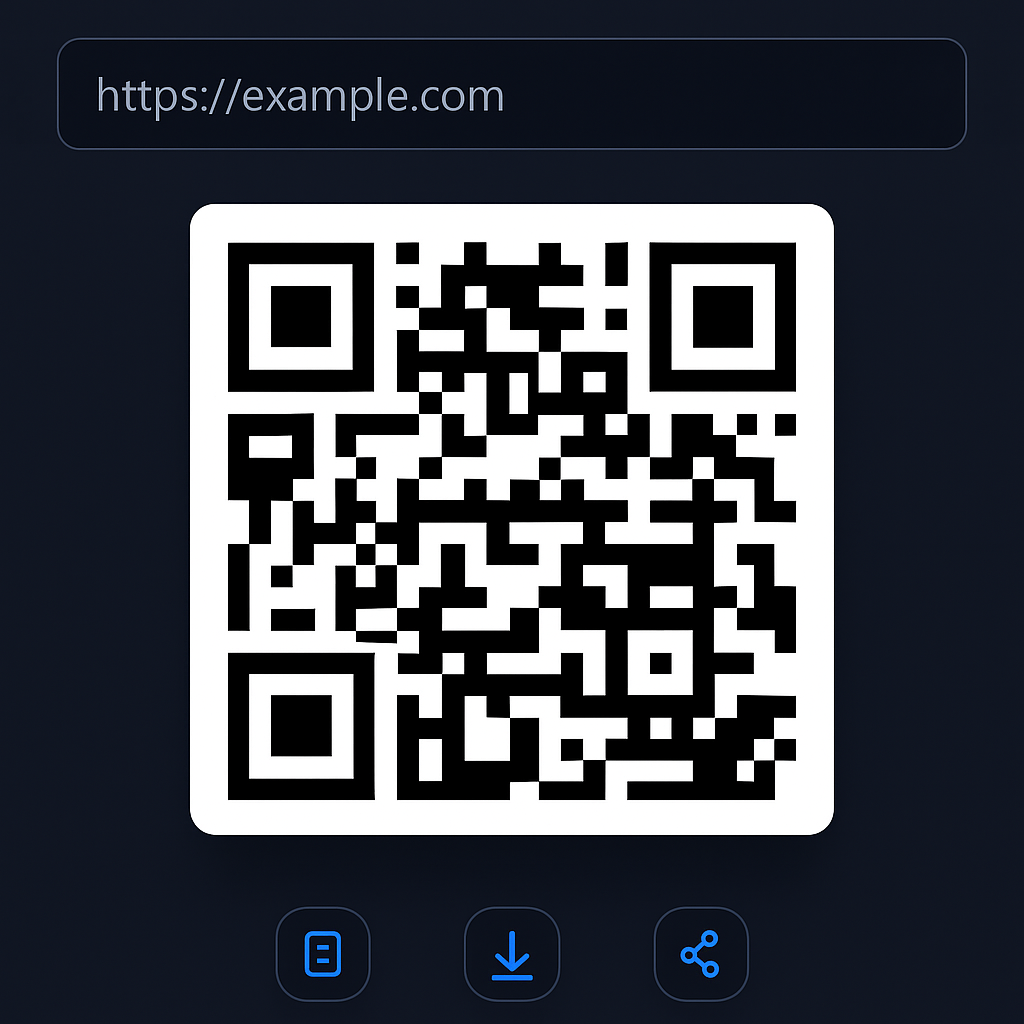
Turn any link or text into a QR code
Bridge desktop and mobile in one scan. Generate QR codes directly from your captures or any text you paste.
- Create QR from your short URLs.
- Perfect for classrooms, presentations and printed docs.
- Keep QR generation inside ATCapture – no external websites needed.
QR scanner
Scan QR codes directly on your desktop
No phone required. Use ATCapture as a desktop QR scanner – ideal when someone sends you QR from mobile or print.
- Decode QR to URL or plain text.
- Open links in your browser with one click.
- Great for documentation, packaging & physical media.
Pair the scanner with our QR generator to complete your QR workflow.
Learn about QR scanning →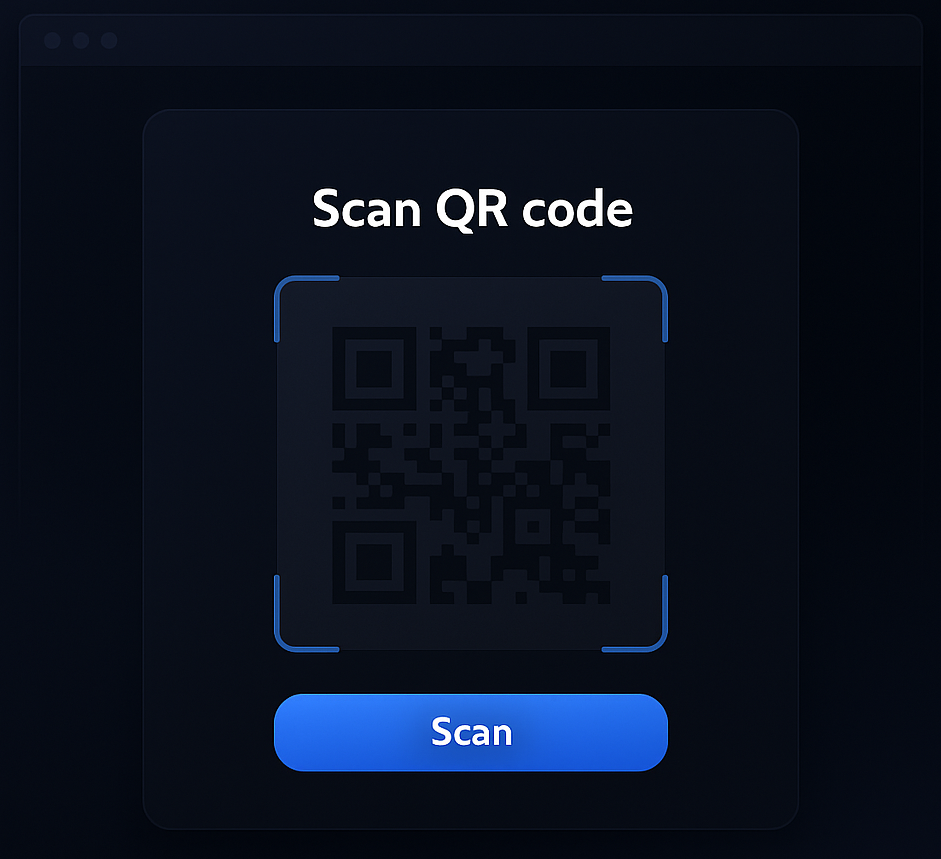
Dashboard
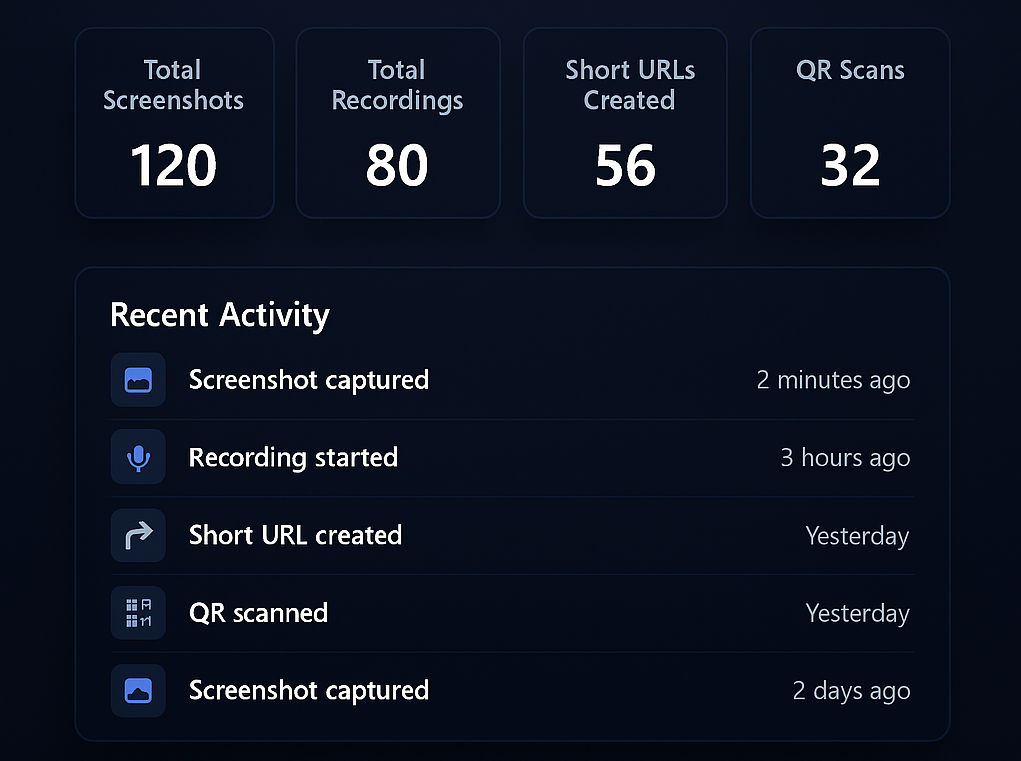
Manage all your captures in a clean dashboard
Screenshots, recordings, short URLs and QR items all stay trackable inside ATCapture.
Everything you capture stays organized
- See all screenshots, recordings and QR items in one list.
- Search by title, type or date.
- Re-copy short links without re-capturing the screen.
See ATCapture in action
These mock previews show how ATCapture can fit into your daily workflow.
Bug report in under 60 seconds
Record a quick screen capture showing the bug, generate a short URL, and paste it directly into Jira or GitHub.
Design feedback with annotations
Capture a specific area of the UI, add arrows and comments, then share with a clean link instead of long paragraphs.
Share to mobile with QR in one click
Generate a short URL and QR code from the same capture. Show it on-screen so others can scan and open instantly.
Auto-play style previews for your captures
Visual “video cards” show how ATCapture feels in motion – one for screen recording and screenshots.
One tool that replaces multiple apps
Instead of juggling separate tools for screenshots, recording, URL shorteners and QR generators, ATCapture brings it all together.
Instead of several screenshot tools
Use ATCapture for:
- Region / window / full-screen capture
- Basic annotations
- Clean sharing links
Instead of separate recorders
Use ATCapture for:
- Short screen recordings
- Mic audio narration
- Quick uploads for sharing
Instead of URL + QR utilities
Use ATCapture for:
- Short URL generation
- QR code creation & scanning
- Desktop ↔ mobile workflows
How ATCapture works
From thought to shared visual in three smooth steps.
Step 1
Capture
Start with a screenshot or screen recording. Pick your region or window, press the shortcut, and ATCapture takes over.
- Screenshot or recording modes
- Keyboard shortcuts
- No watermark in free plan
Step 2
Enhance
Add just enough context so others understand instantly – without a long call or document.
- Arrows, boxes and text
- Trim length (for upcoming Pro)
- Organize via capture history
Step 3
Share
Turn your captures into short links and QR codes to share anywhere – chats, tickets, docs, slides or mobile devices.
- Short URLs
- QR code create & scan
- Works across tools & platforms
Built for people who explain with their screen
Developers & Support
Attach clear visuals to bugs and tickets.
- Screenshots of UI & logs
- Record step-by-step reproductions
- Add short URLs to Jira, GitHub, email
Students & Trainers
Replace long explanations with visual demos.
- Record sessions and labs
- Share notes via QR codes
- Send recap links to students
Business & Product Teams
Fewer meetings, more visual updates.
- Short product demo clips
- Visual status updates
- Short links in roadmaps & docs
Creators & Designers
Share designs and get feedback faster.
- Highlight design changes
- Record UI walkthroughs
- QR links on decks & portfolios
ATCapture vs other tools
Already using Lightshot, Loom or ShareX? See where ATCapture fits into your workflow and what extra power it adds as a unified screen capture tool for Windows.
Desktop + browser extensions
Use ATCapture on Windows, Chrome and Edge.
The desktop app is where everything comes together. Browser extensions for Chrome and Microsoft Edge make it even easier to capture web apps and dashboards.
- Desktop app for full-screen and system capture.
- Chrome extension for browser tabs and web tools.
- Edge extension for enterprise and school environments.
🖥 Windows app
🌐 Chrome extension
🟦 Edge extension
What users say
Built for people who explain with their screen.
Developers, QA, product managers, trainers and students use ATCapture to reduce confusion and speed up communication.
Read some of their stories on the User reviews page.
Example feedback
“Now every bug report and feature idea includes a screenshot or a 30-second recording. It’s much easier for everyone to understand.”
Start using ATCapture in under a minute
Download, install and start capturing. No learning curve. No watermark in the free plan.