Chrome Web Extension
ATCapture for Chrome – capture the web in one click.
Use the ATCapture Chrome extension to capture browser tabs, web apps and online tools without leaving Chrome. Take screenshots, record short videos and share them with short URLs and QR codes.
Works best together with the ATCapture Windows app for full desktop + browser workflows.
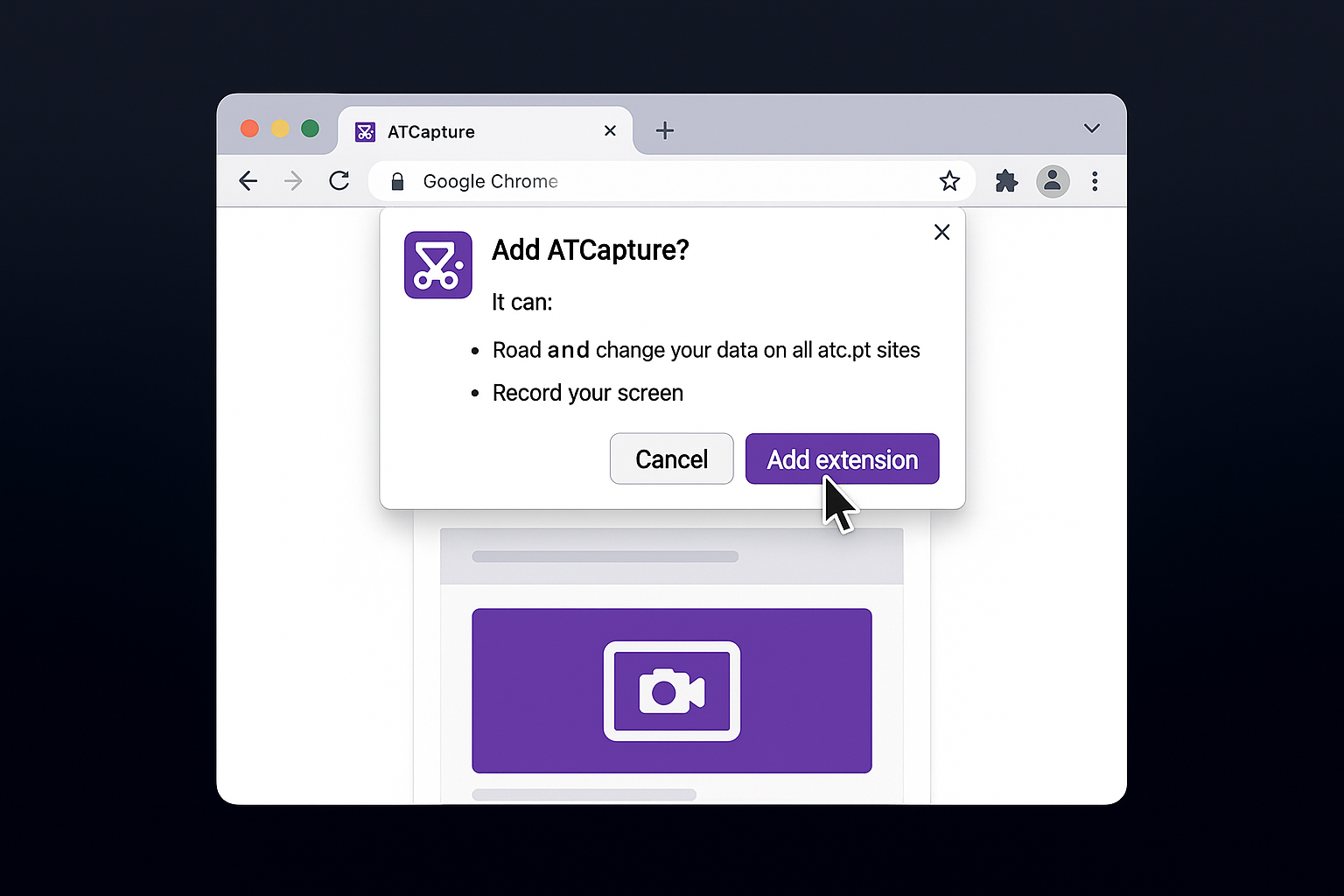
How the ATCapture Chrome extension works
Capture web content where you already work: in Chrome. Then hand off to the ATCapture desktop app or share directly from the browser.
Step 1
Install the extension
Visit the Chrome Web Store and install the ATCapture extension. Pin it to your toolbar for quick access.
- One-time install per browser profile.
- Granular permissions just for capture.
Step 2
Capture from any tab
Click the ATCapture icon in Chrome to open a small capture menu for the current tab.
- Screenshot visible area of the tab.
- Optionally capture a full-page scroll (if you support it).
- Start a short recording of the tab or screen.
What the Chrome extension is great for
Anytime your work is mainly inside the browser, the ATCapture Chrome extension saves you from switching tools all the time.
Web-based tools & dashboards
Capture analytics, admin panels, CRM screens and SaaS tools directly from Chrome.
- Highlight important metrics and states.
- Send context to teammates instantly.
Bug reports & QA on web apps
Report browser-based issues with screenshots and short recordings that show the actual tab users see.
- Combine with annotations for clarity.
- Link directly in Jira, GitHub, etc.
Documentation & tutorials
Capture flows on web products for help docs, onboarding guides and training materials.
- Show exact UI states in browser.
- Embed capture links or QR in docs.
Permissions & privacy
Browser extensions need certain permissions to work. ATCapture is designed to be as transparent and safe as possible.
- Requests only the minimum capture-related permissions needed.
- No hidden UI – you always choose when to capture.
- Works best when paired with the desktop app where your content lives.
ATCapture needs permission to:
- Capture content of the active tab (when you ask it to).
- Read the active tab URL to label your capture.
You can disable or remove the extension anytime from Chrome's extensions page.
Use ATCapture across Chrome, Edge and your desktop.
The Chrome extension is one part of the ATCapture ecosystem. You can also use the Edge extension and the full Windows desktop app.
Desktop app for Windows
Full-featured Windows application for capturing everything on your screen.
Microsoft Edge extension
Prefer Edge? Use the ATCapture Edge extension with similar capabilities.
Unified workflows
Same style of captures, annotations, short URLs and QR codes – no matter which part of ATCapture you use.
Add ATCapture to Chrome and capture smarter.
Install the Chrome extension to bring screenshots, recordings and sharing directly into your browser tabs.