QR code generator
Create QR codes from your links and text in one click.
ATCapture includes a simple QR code generator for Windows. Turn your short URLs, capture links or any text into scannable QR codes – perfect for slides, docs, classrooms and handouts.
- Create QR from short URLs, capture links or custom text.
- Show on screen, copy or save for reuse.
- Scan using ATCapture’s desktop QR scanner or any mobile device.
Combine QR codes with screenshots, screen recordings and short URLs for full capture-to-mobile workflows.
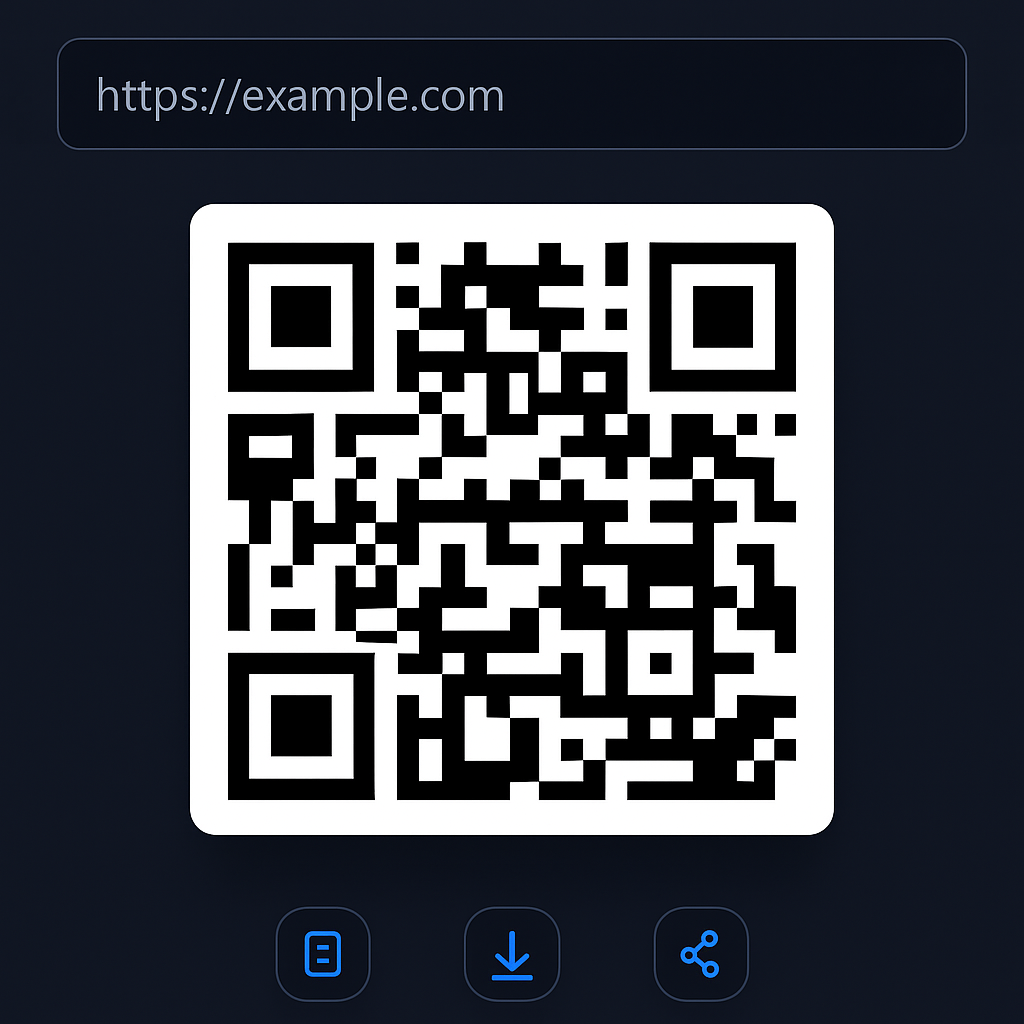
Visual mock of converting a short URL into a QR code that can be scanned by any camera.
What you can turn into a QR code
ATCapture lets you generate QR codes from anything that needs to jump from desktop to mobile or large screen to personal device.
Short URLs
Convert any short URL generated by ATCapture into a QR code that opens the associated screenshot or recording.
- Perfect for bug demos and training content.
- Great on slides and printouts.
Web links
Paste any URL – documentation, forms, dashboards, video links – and turn it into a QR code for your audience.
- Use in meetings and classrooms.
- Share quickly without typing long links.
Plain text
Encode simple messages, reference IDs or short instructions as QR codes that reveal text on scan.
- Great for quick notes and codes.
- Pairs well with printed material.
How QR code creation works in ATCapture
From captured content or text to a scannable QR code in a few clicks.
Step 1
Choose your content
Start from a screenshot, recording or text:
- Use a short URL generated after a capture.
- Paste any external link or type custom text.
Step 2
Generate QR code
Click the QR option in ATCapture. The app will generate a sharp QR code for the content you selected.
- Preview QR in a dedicated panel.
- Use in full-screen mode when presenting.
Step 3
Share or save
Show the QR on screen, copy it or save it as an image to reuse in docs, slides or print.
- Audience scans with their phone camera.
- Use ATCapture QR scanner to test instantly.
Where QR codes make your life easier
QR codes are perfect whenever a group needs to open something quickly on their own devices.
Training & classrooms
Put a QR code on slides so students or trainees can instantly open recording links, resources or notes.
- Less “what’s the link?” interruptions.
- Great for labs and workshops.
Meetings & demos
Show a QR on-screen that participants can scan to open a bug demo, product tour or documentation.
- Works in small rooms and online calls.
- No need to paste links in chat constantly.
Printed docs & packaging
Add QR codes to quick-start guides, technical docs, or internal posters that point to dynamic content.
- Keep print simple while linking to rich content.
- Update the content without reprinting.
Generate a QR code in a few clicks
No websites, no extra apps. Everything happens inside ATCapture.
Step 1
Choose “Create QR code”
Open ATCapture and select the QR generation option from the main panel.
Step 2
Paste your link or text
Paste any URL or custom text that you want people to access by scanning.
- Use ATCapture short URLs for best results.
- You can use plain text too, not just links.
Step 3
Generate & share
ATCapture renders a QR you can show on screen, copy, or save as an image.
- Display during classes or meetings.
- Embed in docs, slides and print.
Where QR codes from ATCapture shine
Anywhere you want people to move from physical or desktop context into a digital experience.
Classrooms & training
Show a QR on your projector and let students scan to open tutorials, notes or example code.
Presentations & webinars
Add QR codes to slides so attendees can quickly open resources without typing long URLs.
Documentation & print
Place QR codes in quick-start guides, handouts or posters to link to videos and help docs.
Preview
See QR generation in action
Watch a short preview of how ATCapture creates QR codes from your short URLs and text.
Open preview page →Replace with your own QR generation demo clip when ready.
Links + QR
One piece of content, many ways to open it.
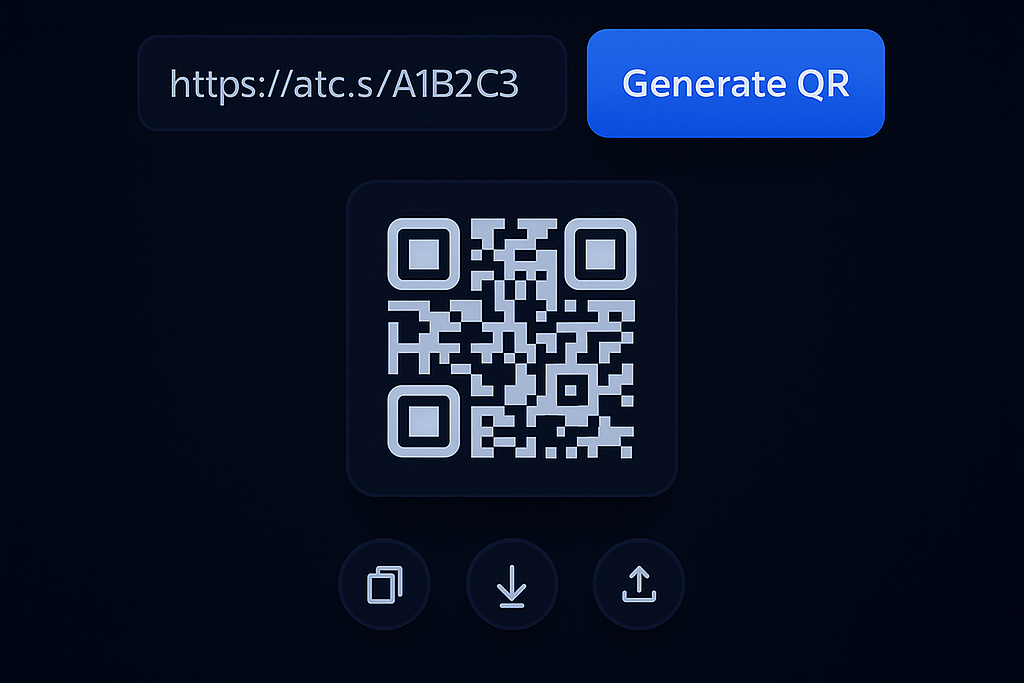
ATCapture lets you use both short URLs and QR codes for the same screenshot or recording. Use whatever is easiest for the moment.
- Send the link in chat or email for direct access.
- Show the QR in meetings or classrooms for quick scanning.
- Keep everything tied back to the original capture.
Generate and scan QR codes in one tool.
ATCapture is not just a QR generator – it also includes a desktop QR scanner and complete screen capture toolkit.
Scan QR codes on desktop
Use ATCapture QR Scanner to decode QR codes from your camera or on-screen images.
Full capture toolkit
Screenshots, screen recording, short URLs and QR – all from one Windows app.
See all features →Compare with other tools
See how ATCapture fits with tools like Lightshot, Loom and ShareX.
ATCapture vs others →Make QR codes a natural part of your workflow.
Install ATCapture and turn your captures and links into QR codes that anyone can scan within seconds.