QR scanner for Windows
Scan QR codes directly on your desktop.
ATCapture includes a simple QR code scanner for Windows so you can decode QR codes right on your PC – no phone required. Perfect for reading QR codes from emails, documents, screens or print.
- Scan QR codes using your camera or on-screen images.
- Instantly extract URLs or text into your clipboard.
- Works together with ATCapture QR generation.
Use it alongside screenshots, screen recordings and short URLs as part of the full ATCapture toolkit.
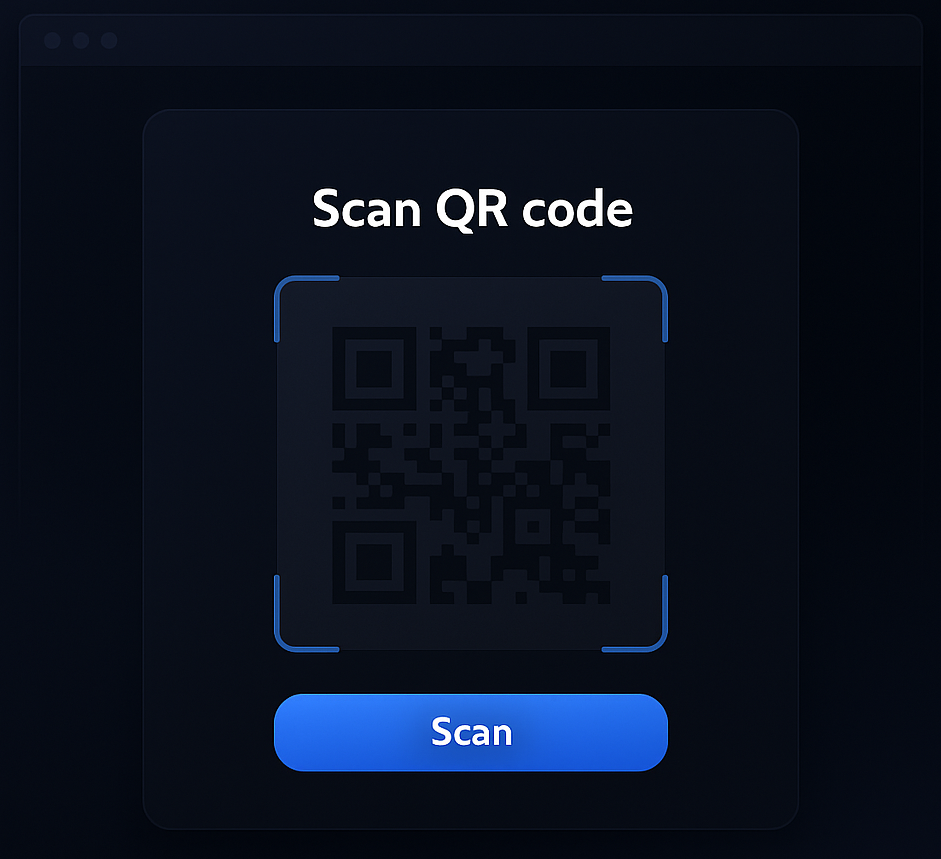
How QR scanning works in ATCapture
Scan QR codes on desktop using your camera or from images/screen – then use the decoded content immediately.
Option 1
Scan using camera
Point your webcam or connected camera at a QR code – on a phone, paper or another screen – and let ATCapture decode it.
- Useful when someone shows a QR from their phone.
- Great for scanning printed docs or posters.
Option 2
Scan from screen or image
Use ATCapture to scan QR codes displayed inside other apps, screenshots or images on your desktop.
- Decode QR codes embedded in PDFs or slides.
- Scan QR codes you generated with ATCapture itself.
Output
Get URL or text instantly
ATCapture shows the decoded content (URL or text) and lets you open it or copy to clipboard in one click.
- Open web links in your browser immediately.
- Copy text to use in docs, notes or search.
When a desktop QR scanner is useful
There are many times when you see a QR code but want to open it or store it directly on your PC instead of your phone.
Emails & PDFs with QR codes
Scan QR codes embedded in documents, email signatures or marketing materials without reaching for your phone.
- Open links in your desktop browser.
- Copy decoded URLs into tickets or docs.
Presentations & online meetings
When someone shares a slide with a QR code on screen, use ATCapture to scan it directly on your machine.
- Capture the link in your notes instantly.
- No need to juggle between phone and laptop.
Testing your own QR codes
Use ATCapture to validate QR codes you’ve created via ATCapture QR generator before sharing with others.
- Ensure links and text are correct.
- Test scanning in different sizes and contexts.
Preview
See QR scanning in action
Watch a short preview of ATCapture scanning QR codes and decoding their content on Windows.
Open preview page →Replace the video file path with your real QR scan preview clip when available.
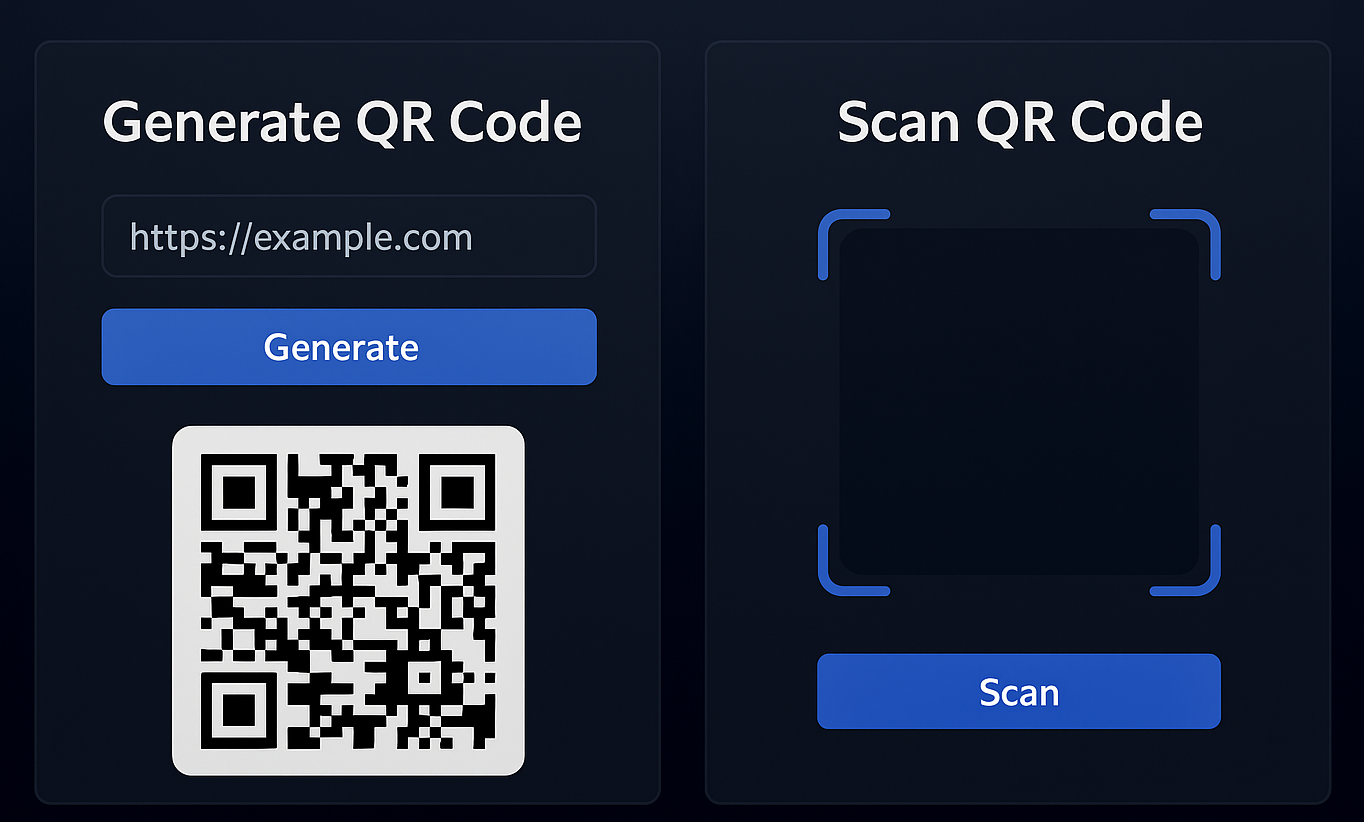
Complete QR loop
Generate, test and use QR codes – all in one app.
Because ATCapture handles both QR creation and scanning, you can build and validate your QR workflows without leaving your desktop.
- Create QR codes from short URLs or text using QR generator.
- Scan them with ATCapture to confirm they open correctly.
- Share them in slides, docs, tickets and more with confidence.
More than just a QR scanner.
ATCapture is a full visual communication toolkit for Windows – QR scanning is just one part of it.
Screenshot & recording
Capture your screen as annotated screenshots or screen recordings with audio.
Short URLs & QR generation
Use short URLs and QR codes to share your captures across channels and devices.
ATCapture vs other tools
See how ATCapture compares with popular capture tools like Lightshot, Loom and ShareX.
ATCapture vs others →Scan and use QR codes directly on your Windows PC.
Install ATCapture to turn your desktop into a QR scanner, QR generator and full screen capture toolkit in one.